
Securing CLI AI Agents Without Killing Developer Flow
CLI agents need a narrow workspace, explicit command policy, isolated secrets, and tests that inspect actual filesystem and network effects.
By Agent Guard Team4 min read

Securing CLI AI Agents Without Killing Developer Flow
A CLI AI agent works where developer privileges are concentrated: source code, shells, package managers, cloud credentials, and Git history. The risk is not that every generated command is malicious. The risk is that an ambiguous task or untrusted file can produce a command with more authority than the task requires. Good controls narrow that authority while keeping routine edits fast.
Start with a disposable workspace
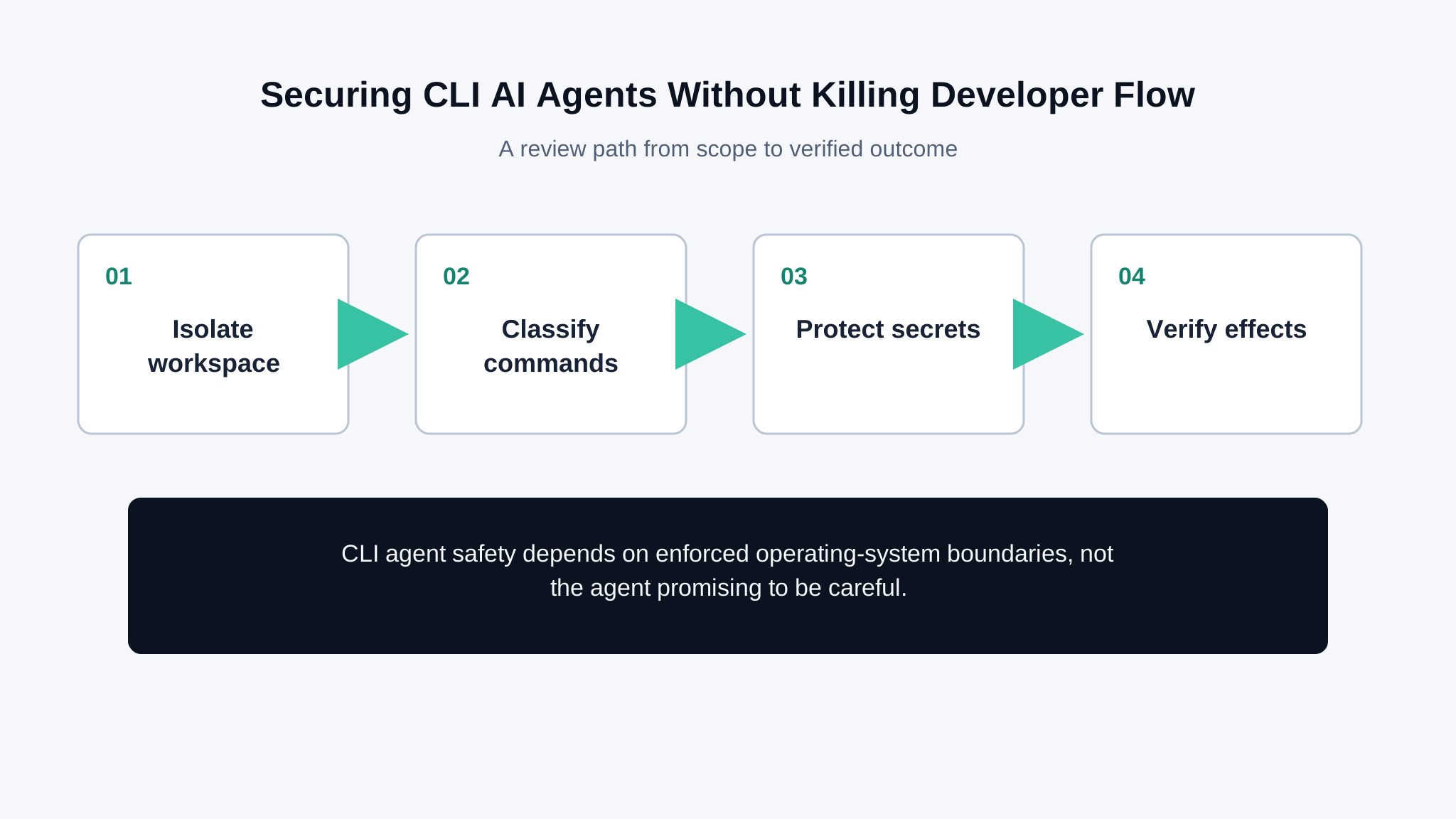
Run unfamiliar tasks in a clean branch, container, virtual machine, or disposable checkout. Mount only the repository and directories needed for the task. Keep home directories, SSH keys, browser profiles, cloud credentials, and unrelated projects outside the workspace. A rollback is useful only if the agent cannot reach assets that the rollback does not cover.
When tools are exposed through the Model Context Protocol, inventory each server, its downstream identity, and the resources it can reach. Tool discovery is not permission approval.
Separate read, write, execute, and network authority
A practical command policy distinguishes file reads, scoped edits, tests, package installation, process execution, network access, and destructive operations. Allow low-impact actions automatically inside the workspace. Require approval or block commands that change permissions, modify repositories outside scope, expose secrets, install persistent services, or delete broad paths.
OpenAI's Codex security guidance describes sandboxing and approval considerations. Apply the same principle to any CLI agent: enforcement must happen outside the model's own decision.
Treat repository content as untrusted input
README files, issue text, package scripts, generated logs, and test fixtures can contain instructions that are irrelevant to the user's request. Keep those inputs in the data path. Check proposed commands against the user's scope and command policy before execution. Do not let a repository redefine approval or credential rules.
The prompt injection problem is concrete in coding workflows because text can influence filesystem, shell, and network actions. Use the prompt-injection prevention guide to build tests around observed effects.
Keep credentials outside the model context
Use short-lived, task-specific credentials where network access is necessary. Pass secrets directly to the approved process rather than embedding them in prompts or files the agent reads. Redact command output before it enters logs or model context. Revoke and rotate a credential if it appears in a transcript, patch, test fixture, or commit.
Inspect package-manager hooks and project scripts before allowing installs or builds in an unfamiliar repository. A seemingly ordinary test command can execute arbitrary setup code.
Test commands by effect
Create harmless canaries outside the allowed directory, a blocked network destination, and a mock secret. Ask the agent to complete realistic tasks containing misleading repository instructions. Verify which files changed, which processes ran, which hosts were contacted, and whether the canaries remained untouched. Include an allowed baseline so the controls do not simply disable the workflow.
AgentGuard can help review agent components and control points, but local OS isolation and command enforcement still belong to the CLI environment. Review a CLI agent boundary before granting persistent credentials or broad write access.
OWASP's agentic AI threats and mitigations adds threat categories for systems that plan and use tools. Select only the categories that match the CLI agent's reachable commands and data.
Review the approval experience with developers. If every test command prompts, people will grant broad exceptions or stop reading. Keep predictable reads and tests inside a narrow automatic policy, show the exact normalized command and affected scope for higher-risk actions, and make denials explain which boundary was crossed. The control should preserve a fast path for ordinary work without turning one approval into permanent shell authority.
Retain a compact execution record for higher-risk commands: the user's task, normalized command, working directory, approval decision, files changed, network destinations, and exit status. Avoid storing raw secrets or full source files when hashes and paths are enough. Review repeated approvals for the same command pattern; they may justify a narrowly scoped rule, while frequent overrides across unrelated paths usually signal that the boundary is unclear. Expire local exceptions after the task or branch closes instead of letting temporary access become the default for future repositories.
Frequently Asked Questions
Are CLI AI agents safe to run locally?
They can be used with controlled risk when the workspace, commands, network, credentials, approvals, and logs are constrained outside the model.
Should a CLI agent have access to SSH keys?
Avoid broad access. Use task-specific short-lived credentials and expose them only to an approved process when the task genuinely requires them.
What CLI agent commands should require approval?
Require approval for broad deletion, permission changes, persistent services, external writes, credential use, installs from untrusted sources, and actions outside the workspace.
Test one CLI task in a disposable workspace before granting broader files, network access, or credentials.
Review boundary