
How to Use ChatGPT Safely at Work: A Practical Checklist
Safe ChatGPT use starts with data classification, approved accounts, minimal inputs, source checking, and care with connected tools.
By Agent Guard Team4 min read

How to Use ChatGPT Safely at Work: A Practical Checklist
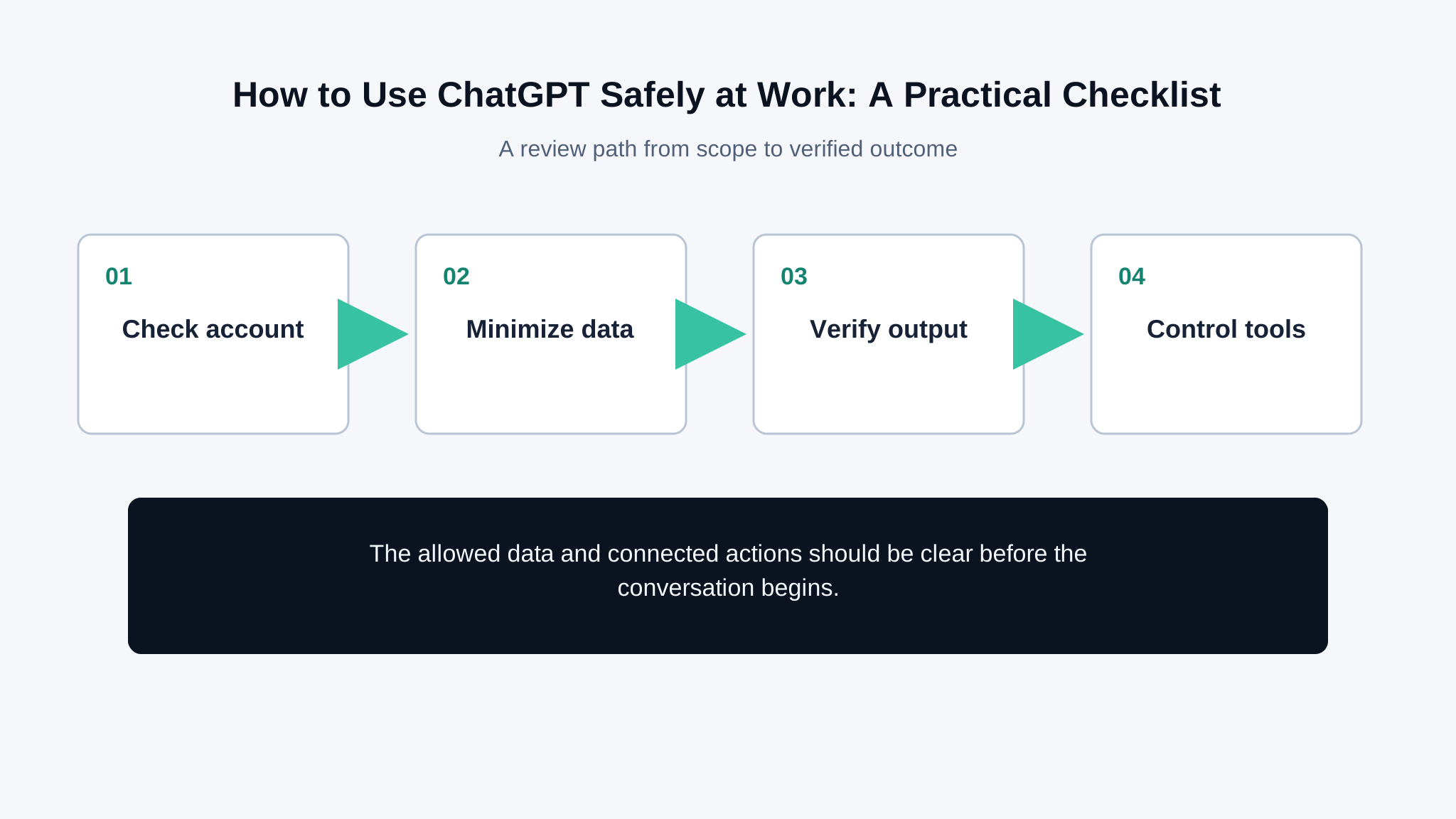
The safest way to use ChatGPT at work is to decide what information and actions are allowed before opening the chat. The product configuration, account type, retention settings, and connected tools all matter. So does the task: rewriting public copy is different from analyzing customer records or authorizing a payment. This checklist keeps those differences visible.
Use an approved account and configuration
Follow your organization's approved service, workspace, identity, and data policy. Confirm the current training, retention, sharing, and administrative settings for that account instead of relying on a screenshot from another plan. Use multi-factor authentication and do not share accounts. Review connected applications and remove ones that no longer have an owner.
The UK ICO's guidance on artificial intelligence and data protection explains organizational privacy responsibilities. Your organization still needs rules for what employees may enter and which workspace configuration is approved.
Remove data the task does not need
Do not paste passwords, API keys, private keys, full customer records, medical information, or confidential source code into a general chat. Replace real names and identifiers with synthetic values when the task is about format or reasoning. Summarize or select the few fields needed rather than uploading an entire file.
A prompt injection risk appears when ChatGPT reads pages, files, or tool output that may contain hidden or irrelevant instructions. Treat those sources as data, not authority.
Verify important answers against sources
ChatGPT can produce fluent but incorrect statements, citations, calculations, and code. For legal, financial, medical, security, or operational decisions, open the cited source and verify the relevant passage. Run code in a controlled environment and review changes before merging. Do not use a confident tone as a reliability signal.
The UK NCSC's guidance on large language models and risk explains prompt injection and data leakage concerns in organizational use.
Be stricter when tools are connected
A chat that can browse, send email, update files, or call business systems has a larger impact than a text-only conversation. Check the account identity, requested permissions, allowed recipients, and approval step. Review the final action in the target system. Disconnect tools that are not needed for the current task.
An agentic browser can cross web and account boundaries. Use a separate profile or test account for unfamiliar workflows, and keep sensitive sessions outside the agent's reach.
Report mistakes without copying more sensitive data
If sensitive information was entered, follow the organization's incident process. Record the account, time, data category, sharing state, connected tools, and immediate containment. Avoid spreading the original content through screenshots and tickets. Change exposed credentials immediately.
For tool-using systems, the prompt-injection prevention guide provides a stronger test path than asking the model whether it followed an instruction. AgentGuard is intended for agent security workflows rather than personal ChatGPT account settings. Review connected-agent controls when a business workflow gives a model access to data and actions.
A two-minute check before sending
Ask whether the prompt contains information the task does not need, whether the account and workspace are approved for that data, and whether the response will support a consequential decision. If a file or web page supplied instructions, separate them from the user's request. If a tool is connected, preview the recipient, record, or destination before confirming. For sensitive work, retain the source used to verify the answer rather than relying on the chat transcript alone.
These checks do not make every task suitable for ChatGPT. They make the decision visible early enough to choose a safer approved workflow when the data or action falls outside policy.
Shared links and exported conversations need the same care as the original prompt. Before sharing, reopen the entire thread and check earlier messages, uploaded file names, generated tables, and quoted source text. A safe final answer can sit below sensitive context. Use the narrowest audience and remove access when collaboration ends. If a conversation becomes a reusable template, replace real examples with synthetic data first. Treat browser extensions and third-party connectors separately; their permissions and retention may differ from the ChatGPT workspace that the organization approved.
Frequently Asked Questions
Is ChatGPT safe for confidential work information?
Only use data allowed by your organization's policy and the approved account configuration. Minimize inputs and avoid credentials or unnecessary personal data.
Can ChatGPT answers be trusted?
Treat important claims, citations, calculations, and code as drafts until they are checked against primary sources or tested in a controlled environment.
What should I do after sharing a secret in ChatGPT?
Follow the incident process, revoke or rotate the secret, review sharing and connected tools, and avoid duplicating the sensitive content in reports.
Check the account, minimize the data, and verify the result before using it in real work.
Review workflow