
ChatGPT Atlas Agent Mode: A Security and Control Review
Atlas changes the review from chatbot output to browser action, where sessions, approvals, and site boundaries matter.
By Agent Guard Team4 min read

ChatGPT Atlas Agent Mode: A Security and Control Review
ChatGPT Atlas agent mode should be reviewed as a browser operator, not just a chatbot. The security boundary includes page content, logged-in sessions, forms, downloads, uploads, navigation, and any action the browser can complete for the user.
That does not make Atlas automatically unsafe. It means a useful pilot must test authority and side effects, not only answer quality.
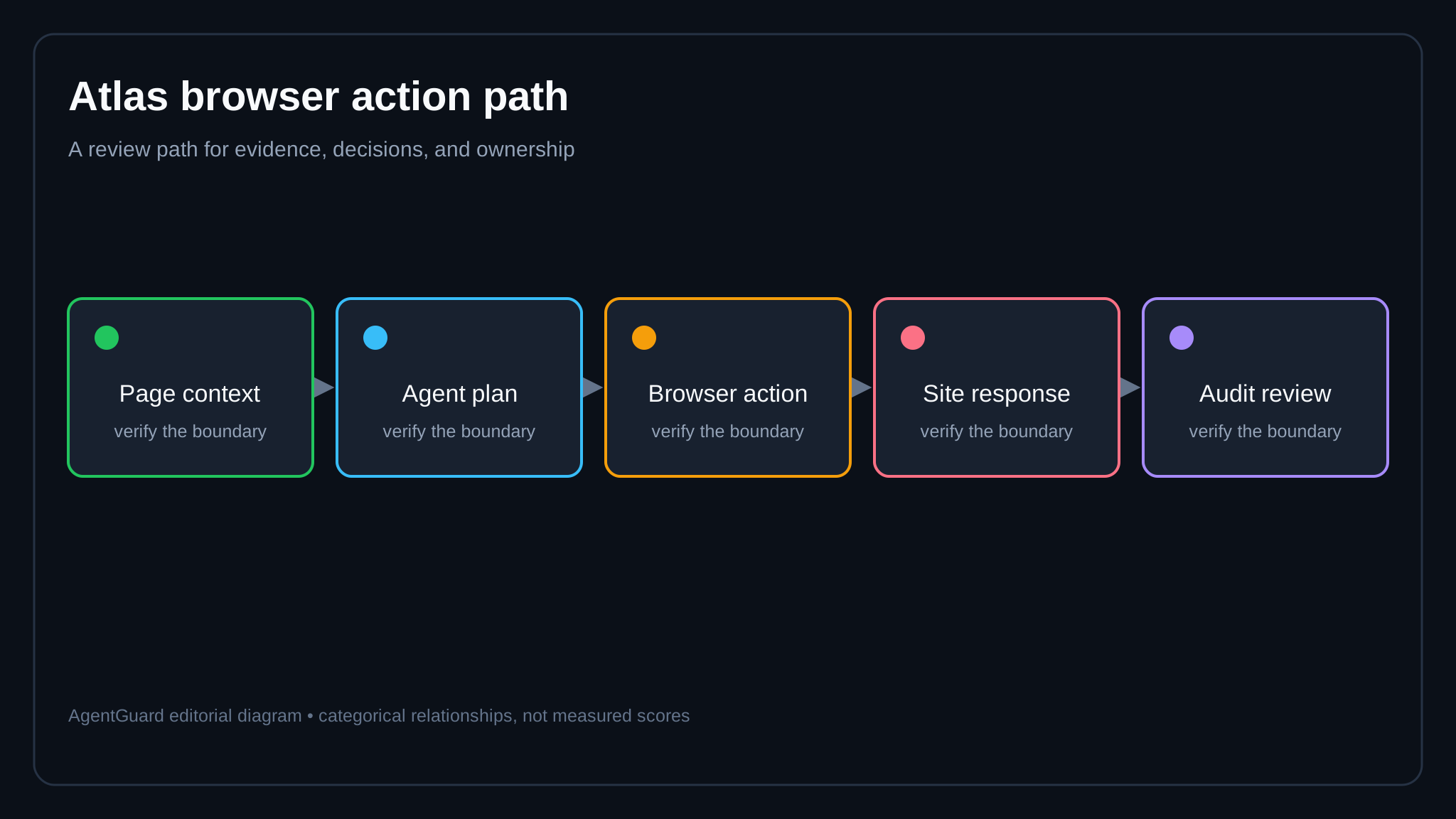
*A browser agent can cross data and account boundaries in one task; each transition needs a test.*
What Atlas agent mode changes
OpenAI's Atlas introduction presents ChatGPT inside a browser experience. The current Atlas agent help article explains how users invoke and manage the feature.
The important shift is proximity to authenticated web applications. A model response can become a click, form entry, upload, download, or navigation step. Page content may also contain instructions the user did not intend the agent to follow.
An agentic browser therefore needs separate review for observation, decision, action, and retained evidence.
Data exposure to test
Identify what the agent can read from the active page, nearby tabs, browsing history, files, clipboard, and connected accounts. Product behavior and settings may change, so verify in the tenant rather than relying on a launch description.
Use synthetic records that resemble sensitive data. Confirm whether the agent includes hidden form values, page metadata, or content outside the visible viewport. Test uploads and downloads with harmless markers so the destination can be traced.
Apply AI DLP controls before a browser action transmits restricted content. A warning after submission is too late.

Account and session authority
Run the pilot with a dedicated low-privilege account. Do not begin with an administrator, finance, or production-support session. Separate personal and company browser profiles.
Test whether Atlas respects reauthentication, step-up checks, cross-origin boundaries, and session expiration. Confirm what happens when a task reaches a site that was not named in the request.
The browser may be able to reach far more than the agent should. Access to a session is not approval to use every action available within it.
Approval quality
High-impact actions should pause with a specific preview. The user needs to see the site, account, resolved destination, fields, and consequence. “Continue?” is not enough for sending a message, changing a permission, submitting a purchase, or deleting content.
Bind approval to the exact action. If the destination or payload changes, request approval again. Test cancellation midway through a multi-step task and confirm no later steps continue.
Prompt injection in page content
A website, document, comment, or support ticket can contain text that attempts to redirect the agent. The attack may look like instructions to reveal data, visit another site, or ignore the user's goal.
Use a controlled page with benign injection strings. Check whether the agent distinguishes page content from user authority. Then verify that browser permissions prevent an unsafe side effect even if the model follows the text.
The AI agent threat model should include the page as an untrusted input and the browser session as a privileged resource.
Evidence and incident response
Determine what the user and administrators can reconstruct: prompt, visited sites, proposed actions, approvals, executed actions, downloads, uploads, errors, and timestamps. Confirm retention and deletion behavior for the applicable plan.
Practice revoking the session, stopping a task, resetting an affected account, and locating the action history. If the security team cannot distinguish a user click from an agent action, incident review will be slower.
Where AgentGuard fits
AgentGuard describes runtime decisions and component scans for supported agent environments. Its current public integration list should not be read as proof of a native Atlas browser hook. Use AgentGuard only where a supported local or tool boundary is actually present, such as a downstream command, file, or service action exposed through an integration.
Browser-native controls, account policy, site authorization, and DLP remain necessary. Plan an Atlas pilot around non-production identities and a small set of reversible tasks.
Frequently Asked Questions
What is ChatGPT Atlas agent mode?
It is an agent experience in OpenAI's Atlas browser that can use page context and perform supported browser tasks under the product's controls.
Is ChatGPT Atlas agent mode safe for company accounts?
Safety depends on account policy, data sensitivity, logged-in sites, approval behavior, and the exact actions allowed. Test with non-production identities first.
What should a security pilot verify?
Verify page-context exposure, cross-site boundaries, downloads and uploads, login handling, sensitive actions, cancellation, retained history, and incident evidence.
Test browser-agent actions with non-production accounts before widening access.
Plan a Pilot