
Claude Cowork Privacy: What It Can Access and How to Limit Exposure
Cowork can reach files, browser, and apps through Claude Desktop, so privacy depends on the folders, accounts, and actions exposed.
By Agent Guard Team4 min read

Claude Cowork Privacy: What It Can Access and How to Limit Exposure
Claude Cowork can be useful precisely because it can work with files, browser content, and apps. Those capabilities also define its privacy risk.
Anthropic's current guidance says Cowork sessions run in the cloud while Claude reaches resources through Claude Desktop. A review therefore needs both the cloud data path and the local access boundary.
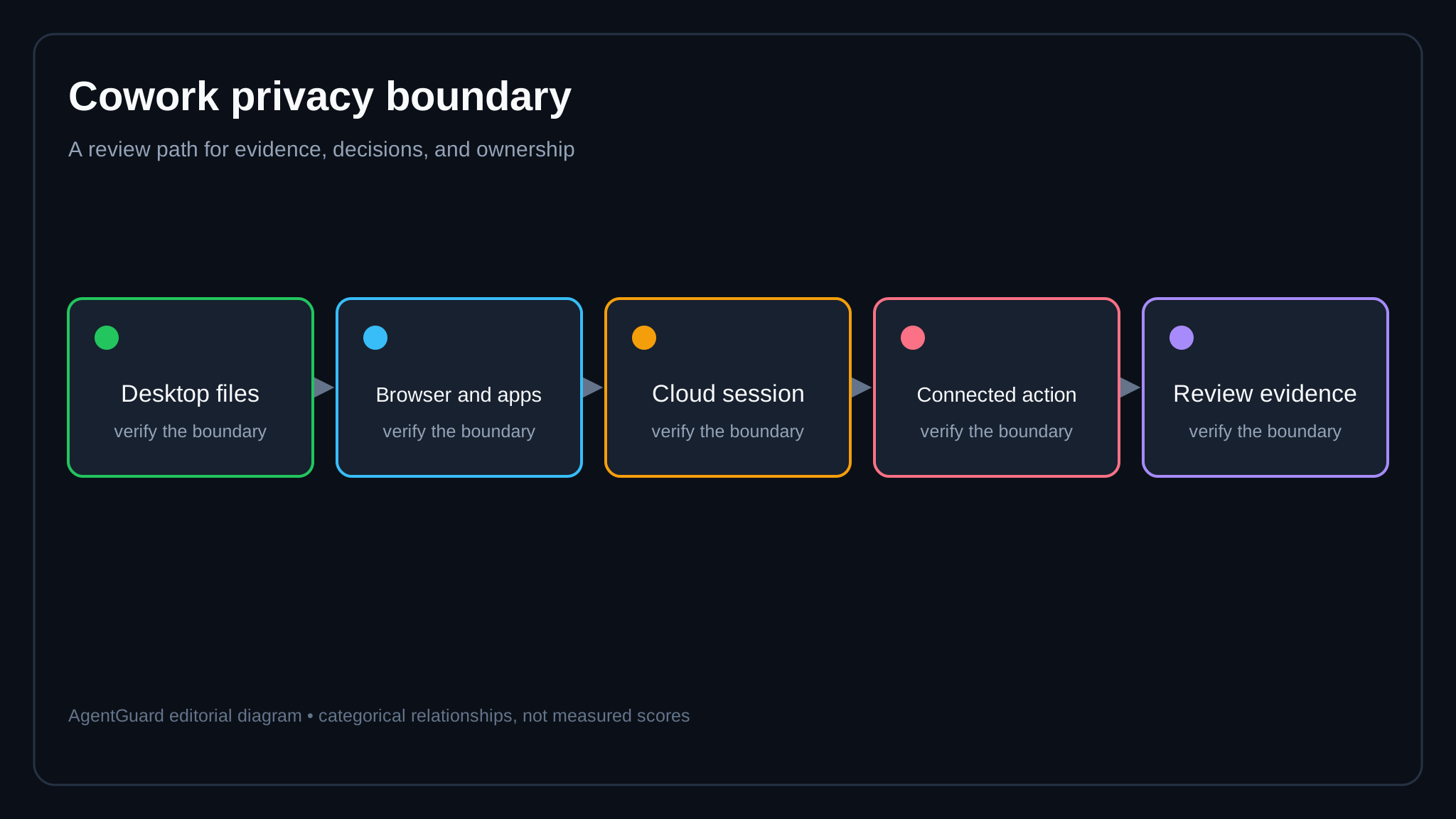
*Limit each boundary separately: local resources, cloud session data, connected accounts, and resulting actions.*
Quick verdict
Do not start Cowork with a broad home directory, production account, or live confidential dataset. Use a dedicated folder, synthetic records, low-privilege connected accounts, and reversible tasks. Verify the current plan's retention and data terms before moving to real work.
Anthropic's Cowork safety guide is explicit that the capabilities carry risk. Its sensitive-data help article explains privacy considerations for consumer products. Check which document applies to the account and plan being tested.
Local file access
Create a folder for the pilot and grant only the access required by the task. Keep password stores, SSH keys, cloud credentials, browser profiles, financial exports, and unrelated repositories outside it.
Test path traversal, symlinks, shortcuts, recent-file references, and file dialogs. Confirm whether Cowork can read or write outside the selected boundary and what prompt appears when it asks for more access.
Use AI DLP controls to classify and detect restricted content before it enters the session.

Cloud session and retention
Map what leaves the device: prompts, file contents, extracted text, screenshots, tool results, action previews, and diagnostics. Verify transport, storage region where contractually relevant, retention, deletion, model-improvement settings, and support access for the purchased plan.
Do not assume the data terms for one Claude plan apply to another. Record the plan, policy version, and review date.
Browser and app connections
Connected browsers and apps can expose authenticated sessions. Use test accounts with limited records and no administrator privileges. Review every requested scope and disable connectors that the workload does not need.
Test cross-account and cross-site behavior. A task started in one system should not silently collect data from another logged-in service. Check downloads, uploads, messages, and external sharing.
The existing Claude Code vs Cowork comparison is useful because the two products expose different user interfaces and work boundaries even when they share a model family.
Prompt injection and untrusted content
A document or webpage can include instructions that conflict with the user's goal. Treat file and page content as data, not authority. Run a harmless test document that asks the agent to visit an unrelated site or reveal another file.
The final boundary must still restrict the action. A model-level refusal is helpful, but filesystem, account, network, and application permissions should prevent the side effect.
User approvals
Approvals should describe the exact file, site, account, destination, and effect. Test whether a changed payload triggers a new approval and whether canceling the task stops later steps.
Write an AI acceptable use policy that names approved data classes and prohibited actions. Keep the user-facing rule short enough to apply during real work.
Evidence and response
Determine which events are visible to the user and administrators. Practice stopping a session, revoking app access, removing local permissions, rotating an exposed credential, and finding the relevant history.
For a business rollout, add an owner and expiry date to every approved folder, connector, and account. Review that inventory after product updates and whenever Cowork adds a new capability. A permission that was proportionate for a one-week pilot should not remain indefinitely. Include help-desk staff in the exercise so users know how to report a mistaken upload or unexpected action without first trying to hide it.
AgentGuard's public claims cover supported component scans and runtime action decisions in named integrations. Do not assume a native Cowork control unless the actual deployment exposes a supported boundary. It may still help with a downstream command, file, or tool path where an integration exists.
Plan a constrained Cowork pilot before granting access to normal work folders or production accounts.
Frequently Asked Questions
Does Claude Cowork run locally?
Anthropic's current safety guidance states that Cowork sessions run in the cloud while Claude reaches files, browser, and apps through the Claude Desktop app.
Can Claude Cowork access all files?
Access depends on the product's current permissions and the folders or resources a user exposes. Use a dedicated folder and verify boundaries with synthetic files.
Should teams use sensitive data in Cowork?
Only after reviewing the applicable plan, contract, data controls, retention, permissions, and workload. Start with synthetic data and the lowest practical privilege.
Pilot Cowork with a dedicated folder, synthetic data, and reversible accounts.
Plan Safely