
Claude Code vs Cursor
A workflow-level Claude Code versus Cursor comparison for teams evaluating terminal, editor, extension, permission, and audit boundaries.
By Agent Guard Team4 min read
Claude Code vs Cursor
Claude Code and Cursor are often chosen for different developer experiences: command-line and repository work on one side, editor-centered work on the other. Security comparison starts after that preference, with the workspace context, extensions, permissions, and review route actually enabled.
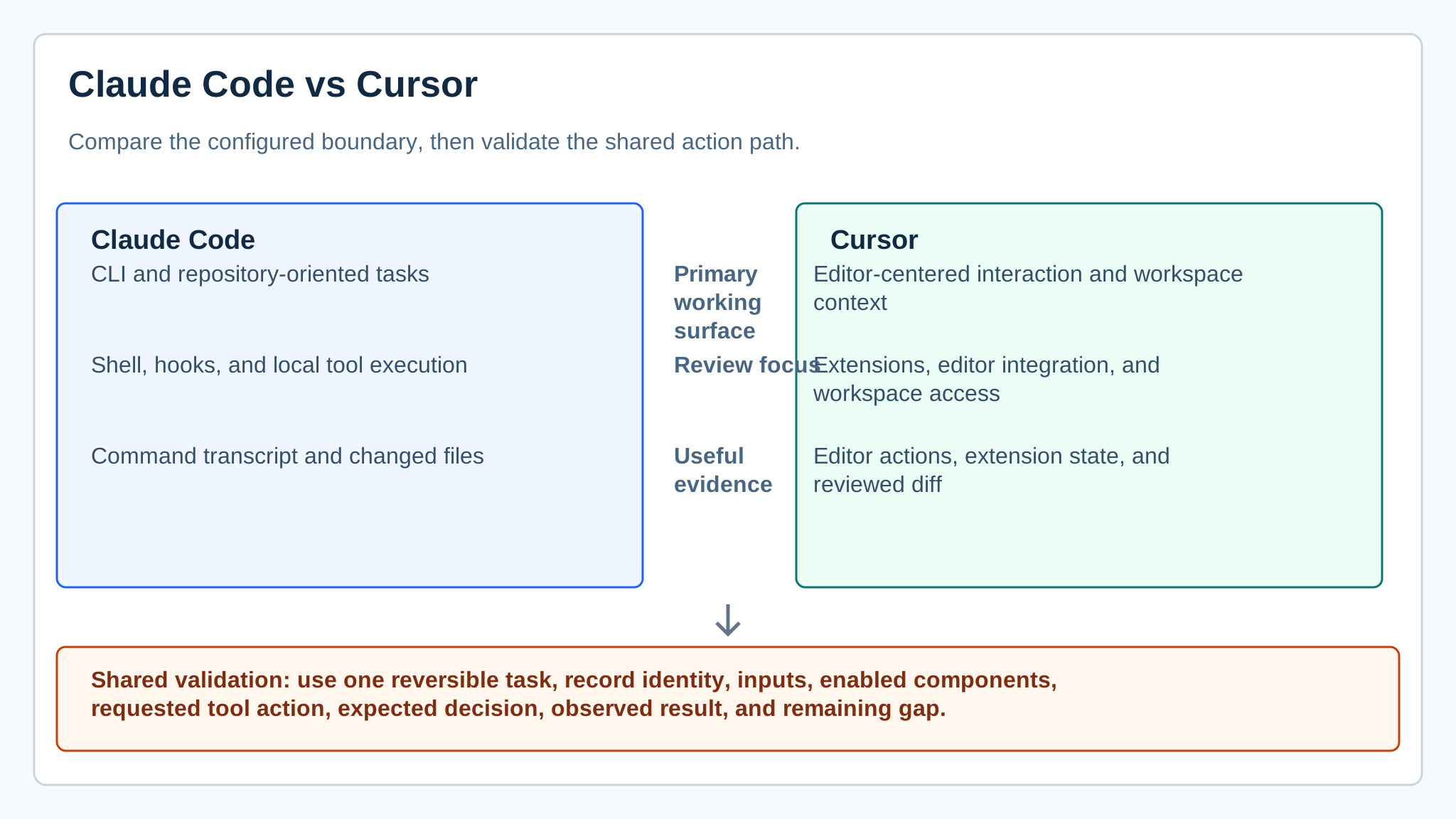
*Workflow map for terminal-oriented and editor-centered coding-agent boundaries. It does not score coding quality.*
The short answer
Run one bounded repository task in both environments and inventory the surrounding controls. The AI agent security guide can be used as the task sheet for files, tools, identities, credentials, and network destinations.
The product decision changes the interaction surface but not the need for repository controls. Claude Code documentation describes a terminal-oriented agent workflow; Cursor documentation describes an editor environment with workspace context and extension choices. Both must be reviewed as configured installations.
Cursor's documentation should be used to inventory workspace context, project rules, privacy choices, and installed extensions. Compare those settings with the Claude Code terminal configuration in the actual repository; a polished editor session is not evidence that all workspace context is appropriately scoped. The cited references are Claude Code documentation and Cursor documentation.
For this product comparison, assign review of shell permissions to the local-agent owner and review of extensions or workspace settings to the editor owner.
What changes at the boundary
| Question | Claude Code | Cursor |
|---|---|---|
| Primary working surface | CLI and repository-oriented tasks | Editor-centered interaction and workspace context |
| Review focus | Shell, hooks, and local tool execution | Extensions, editor integration, and workspace access |
| Useful evidence | Command transcript and changed files | Editor actions, extension state, and reviewed diff |
When Claude Code is the better fit
Claude Code is the better fit when the team can define the shell and repository boundary it needs to operate. Test an allowed patch, a prohibited path write, and an outbound request. Review the transcript alongside the diff rather than treating the final code as the whole security record.
A command-line workflow can make command history and hooks easy to inspect, but it also brings shell expansion, environment variables, and local process access into scope. A concise prompt does not reveal every command the agent may request.
When Cursor is the better fit
Cursor is the better fit when developers need an editor-first workflow that can be governed through workspace and extension settings. Test the same task with a restricted directory and a deliberately untrusted extension or context source. The MCP security tools guide applies only if an MCP integration is enabled.
An editor-centered workflow can preserve developer context close to the diff, but installed extensions and workspace settings become part of the trust model. Test whether a new extension or broad workspace folder changes what the agent can read or send.
AgentGuard can complement either product when the workflow includes components to scan or a supported local action path that should meet a policy decision. It does not replace editor governance, repository review, or platform controls outside that documented integration.
Developer preference can decide the interface, but it should not decide the security conclusion. The selected environment needs a documented list of accessible directories, credentials, network destinations, and approval mechanisms before broader rollout.
A test that makes the decision clearer
Use a disposable repository and identical instructions. Preserve the chosen components, consent prompts, file changes, commands, and policy outcomes. If a new extension, plugin, or server changes the trust model, record it as agent dependency pollution.
Decision guide
Pick the environment whose complete configured workflow can be bounded, observed, and recovered by the team that will operate it.
If component intake or a supported local action remains unowned, book a matched workflow test using the same repository task.
Frequently Asked Questions
Should I choose Claude Code or Cursor for security reasons?
Choose only after testing the configured workflow. Compare filesystem and network reach, extensions, workspace context, approval prompts, and the evidence left after tool use.
How do Claude Code and Cursor differ operationally?
Claude Code is commonly tested around a terminal and repository boundary, while Cursor adds an editor, workspace, and extension boundary that needs its own review.
What is a fair Claude Code versus Cursor pilot?
Give both products the same disposable repository task, prohibited path, and outbound destination, then review commands, changed files, settings, and denials.
Run the same repository task in Claude Code and Cursor, then compare permission evidence.
Compare workflows